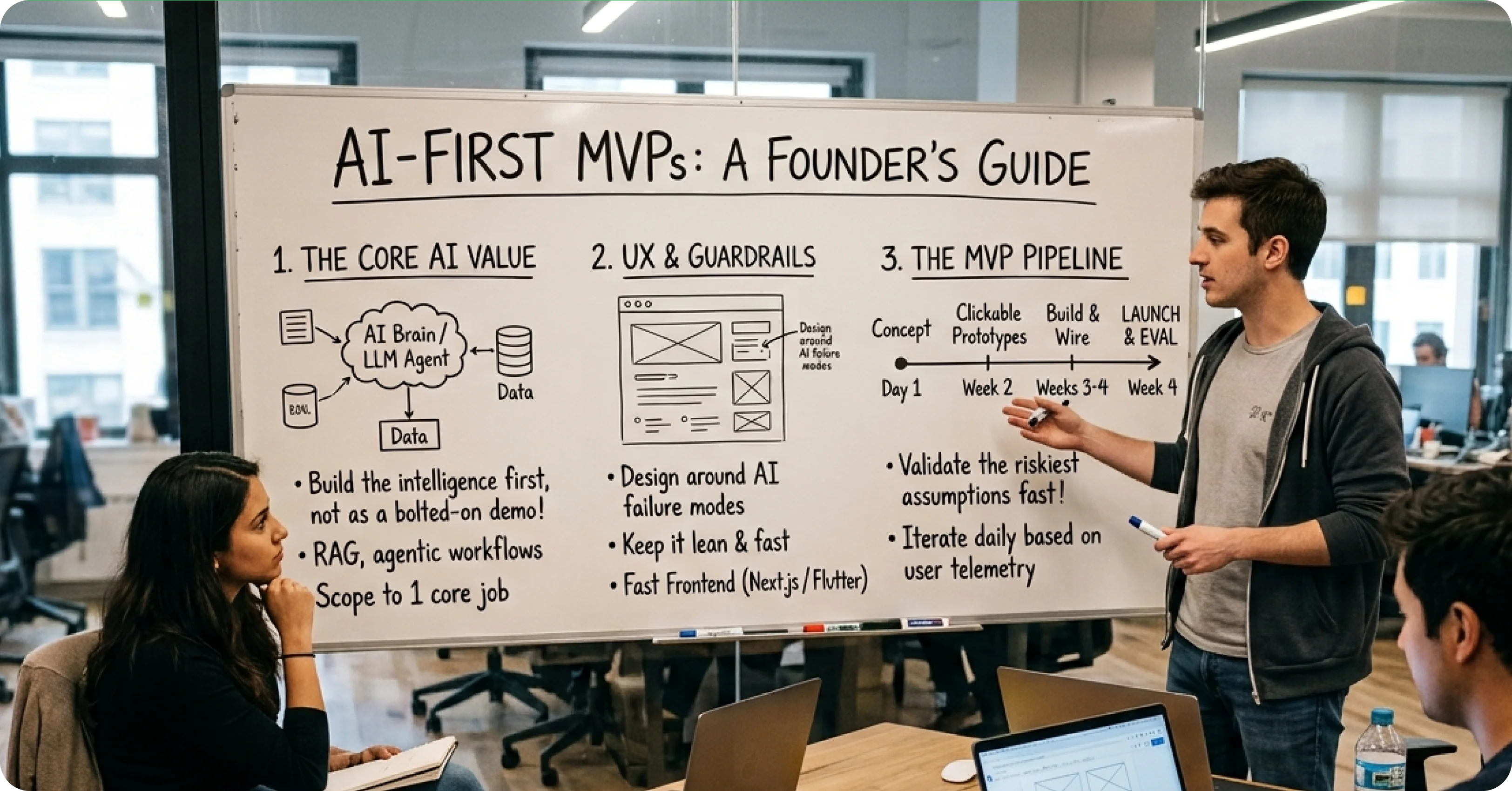
The Decision Every SaaS Founder Faces
How to Add AI Features Without Alienating Users

Zubair Ali Akbar
Adding AI to an existing SaaS product is one of the highest risk moves you can make. Do it wrong and you break workflows your users rely on. Do it right and you deepen their dependence on your product.
.webp)
Here is the framework.
Principle 1: AI is a feature, not a redesign
The wrong way: launch an “AI-powered” version of your product with new UI, new navigation, and new mental models. Users get confused, revert to old habits, and churn.
The right way: add AI features inside your existing UI. Users see incremental value without learning a new product.
Slack did this well when they added AI summaries. The feature appears as a button on existing message threads. Users can ignore it or use it. Either way, the app still works the way they know.
Principle 2: Make AI opt in for high-stakes actions
For actions with real consequences (sending emails, deleting data, generating invoices), AI should suggest, not execute.
Weak pattern: AI drafts an email and sends it automatically. Errors are irreversible.
Strong pattern: AI drafts an email and puts it in the user’s drafts folder for review. User reviews, edits, sends.
Trust builds when users control final actions.
Principle 3: Show confidence, hide uncertainty gracefully
When AI is confident, present the answer directly. When it is uncertain, say so.
Weak pattern: “Your customer’s LTV is $2,847.” (Presented with false certainty.)
Strong pattern: “Estimated LTV: $2,847 (based on 6 months of data, high confidence).”(Confidence signal included.)
Users trust AI more when they understand what the AI knows and does not know.
Principle 4: Always allow the manual path
Every AI feature should have a manual alternative. Users who prefer to work without AI should be able to.
Removing manual options forces users into AI they might not trust. That backfires.
Principle 5: Log everything, iterate weekly
Track every AI interaction: prompts, responses, whether users accepted the AI’s suggestion, whether they modified it.
Review the logs weekly. Find failure patterns. Fix them.
Products that iterate on AI weekly outperform products that ship AI and forget it.
Common mistakes to avoid
Mistake 1: Forcing AI onboarding. Do not require users to complete an “AI setup” step before using your product. It creates friction and signals the AI is fragile.
Mistake 2: Overpromising in marketing. If your marketing says “AI-powered analytics,” users expect insights. If AI just autocompletes form fields, they feel misled.
Mistake 3: Charging extra for AI without proving value first. Include AI features in existing tiers for the first 6 months. Once users show they use and value AI, then premium tier it.
Mistake 4: Removing existing features to make room for AI. Users hate this. Add AI alongside, do not replace.
Mistake 5: AI that requires perfect input. Users type messy queries. AI must handle typos, ambiguity, and incomplete information gracefully.
How to introduce AI to existing users
Week 1: Announce coming feature. Explain the problem it solves.
Week 2: Beta launch to 10% of users. Collect feedback.
Week 3: Iterate based on beta feedback.
Week 4: Full launch with an onboarding tour that explains the feature.
Week 5+: Track adoption, iterate weekly.
Skip the beta period at your peril. Every AI feature we ship starts with a small beta because prod behavior always surprises us.
Metrics that actually matter
Adoption rate: What percent of active users have tried the AI feature?
Retention of AI users: Do users who try AI come back and use it again?
Task completion rate: Does the AI actually help users finish what they started?
NPS impact: Are AI users more or less likely to recommend your product?
Ignore vanity metrics like “total AI interactions.” Focus on whether AI improves user outcomes.
Adding AI features to your SaaS product? We help teams design AI integrations that users actually adopt. Book a 30 minute call.