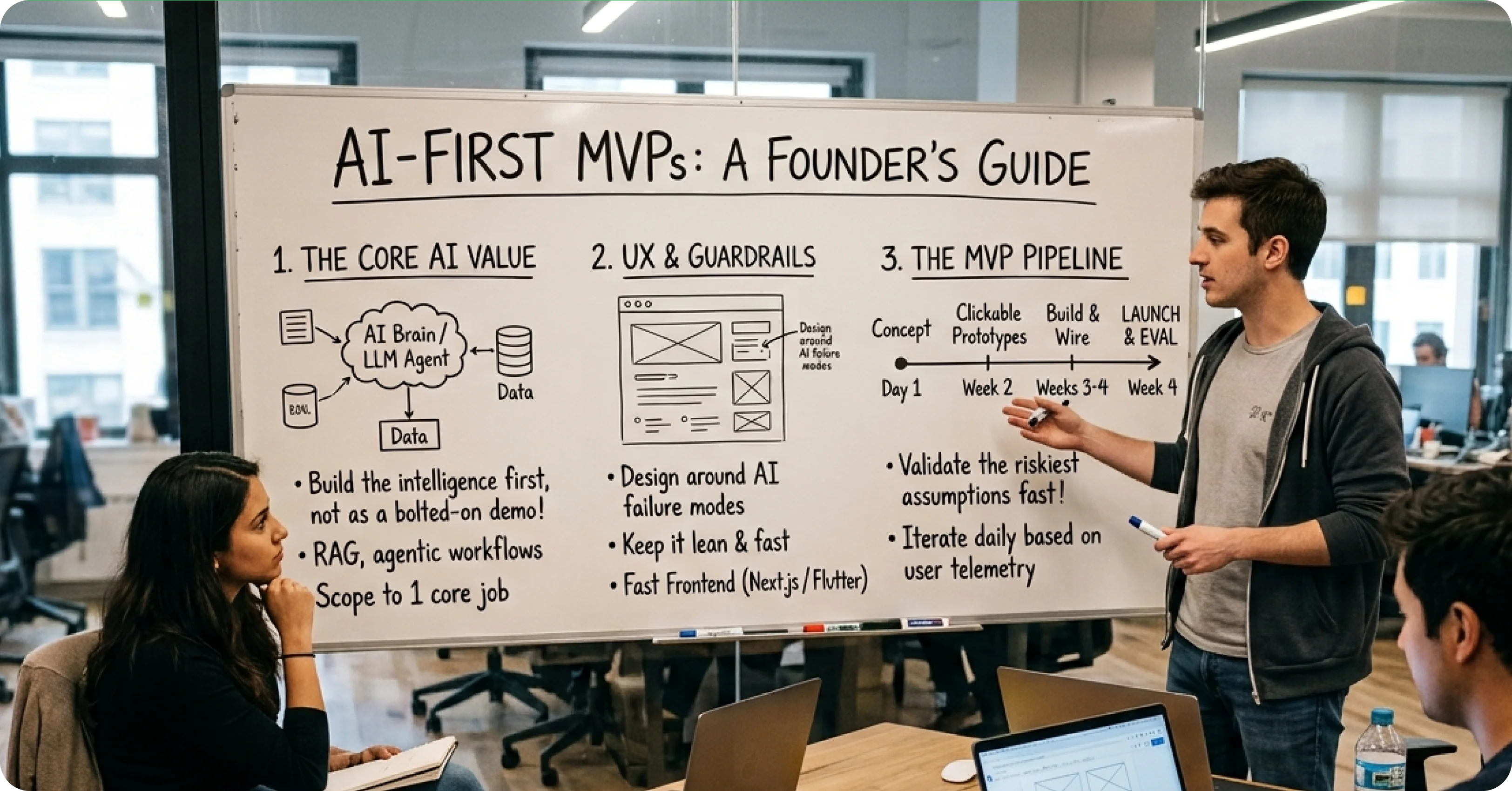
The Decision Every SaaS Founder Faces
Automating B2B SaaS Onboarding With AI

Zubair Ali Akbar
B2B SaaS onboarding is where most user churn happens. Users sign up, get confused during setup, and never return. AI is now genuinely useful for fixing this. Here is what works.

The onboarding problem in one paragraph
B2B SaaS products are complex. New users have to configure integrations, invite teammates, import data, learn the interface, and produce first-value. Most fail at step 2 or 3. Traditional onboarding uses tours, checklists, and empty states. AI can do more.
AI pattern 1: Personalized setup based on user context
Instead of the same setup flow for everyone, AI asks 3 questions and generates a personalized configuration.
Question examples: What role are you in? What is your team size? What are you trying to accomplish first?
Based on answers, AI configures relevant integrations, invites suggested teammates, and creates starter templates
Result: onboarding time drops from 25 minutes to 8 minutes on average.
Example implementations: Notion’s AI-generated workspace templates, Linear’s role-based defaults.
AI pattern 3: Contextual help that answers real questions
Replace the generic help center with AI that answers based on the user’s specific state.
User asks: “How do I set up automated reminders?” AI reads user’s account, finds they have not yet connected their calendar, and answers: “First connect your calendar (button here), then automated reminders will be available at Settings > Automation.”
Context aware help feels dramatically better than generic help articles.
AI pattern 4: Auto-generated starter content
Instead of dropping users into empty states, AI generates realistic starter content based on their industry and use case
New CRM user for a real estate agency? AI generates 5 sample contacts, a sample deal pipeline, and 3 sample tasks. User can delete or replace, but they see the product working immediately.
Example: HubSpot’s AI-generated starter workflows.
AI pattern 5: Proactive nudges based on behavior
AI monitors user behavior during first week. Detects stuck patterns. Sends contextual help.
User has not invited teammates after 3 days? AI-generated email with the exact invite link and suggested teammates (from their email domain).
User set up integration but did not test it? AI sends test-run reminder with one-click test button.
Behavioral nudges beat generic drip emails on activation rate.
What NOT to automate with AI in onboarding
Chatbot as primary onboarding. Users hate learning products through Q&A. Guided tours and progressive disclosure work better.
Complex configuration decisions. AI can suggest, but users should confirm significant
choices (billing plan, permissions, integrations).
Values based decisions. Anything involving user preferences, brand voice, or business rules should be user driven with AI as helper.
Measuring AI onboarding success
Time to first value: How long from signup to user completing meaningful action? Should drop 30 to 50% with well-designed AI onboarding.
Activation rate: What percent of signups complete key onboarding milestones? Should improve 20 to 40%.
Day 7 retention: Users who return in first week signal strong onboarding. AI-driven onboarding often lifts this 15 to 25%.
Support ticket volume: Users who successfully self-onboard file fewer tickets. Expect 30 to 50% reduction in onboarding related tickets.
Cost realities
AI onboarding typically costs $500 to $3,000 per month in API calls for a product with 1,000 to 5,000 monthly signups. Compare to the cost of hiring a customer success rep at $80,000 per year.
For most growing SaaS products, AI onboarding is 5 to 10x cheaper than adding CS headcount.
Redesigning your B2B SaaS onboarding? We help teams design and build AI-powered onboarding flows that lift activation by 30 to 50%. Book a 30 minute call.
.webp)