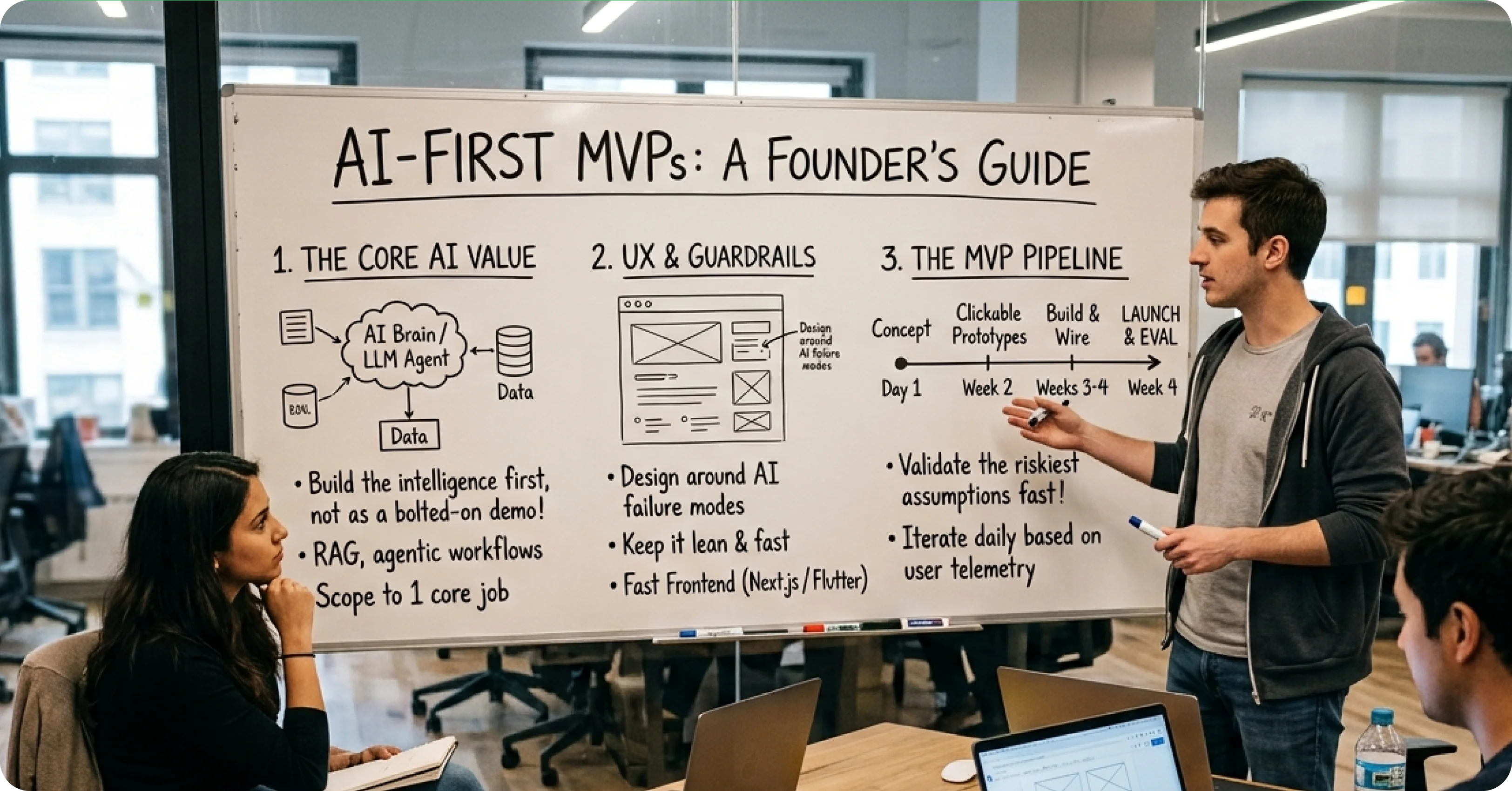
The Decision Every SaaS Founder Faces
AI Design Tools Worth Your Time in 2026

Zubair Ali Akbar
Every design tool company added “AI” to their marketing in 2024 and 2025. Two years later, some AI features became indispensable. Others were forgotten. Here is what actually works for working designers in 2026.
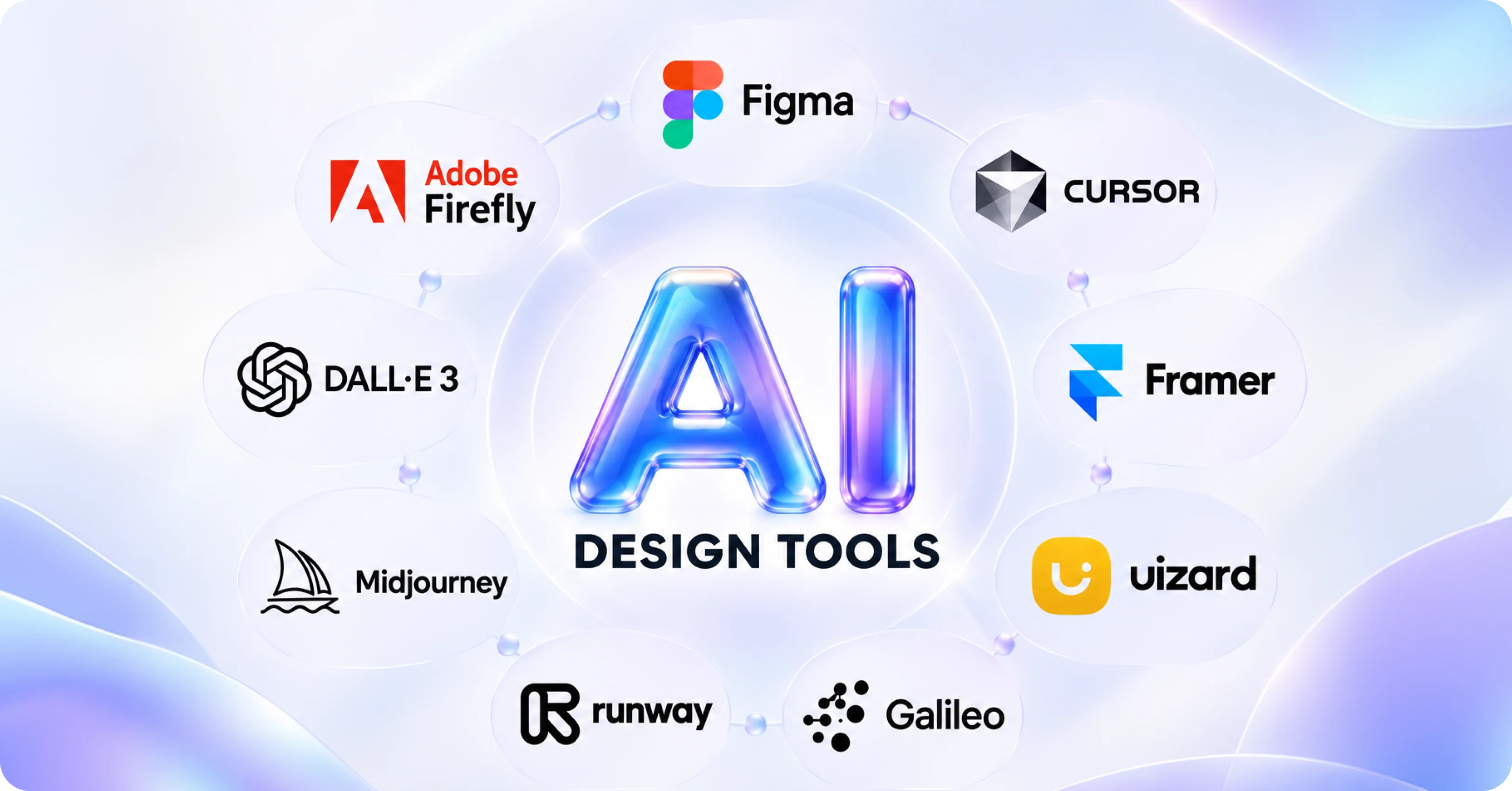
Figma AI
Figma’s built in AI is the most used AI design tool in 2026 by far. What works:
Auto rename layers: Reads your design and renames “Rectangle 234” to “Button/Primary/Default”. Saves hours per project.
First draft generation: Type a description, get a starter design. Useful for wireframing. Not useful for final designs.
Text generation for placeholders: Better than lorem ipsum. Generates realistic copy that matches your design context.
Content translation: Instant multilingual variants for localized designs. Reduces localization time from days to hours.
What does not work well: Complex prompt-to-design generation. Still produces generic results.
Cursor for design engineering
Cursor (yes, the code editor) is a top design tool in 2026 for designers who work on codebased prototypes. Modify React components with natural language. Preview changes in real time.
For design engineers, Cursor eliminates the “design in Figma, hand off to dev” cycle. Design directly in code with AI assistance.
Framer AI
Framer AI shines for landing page and marketing site design. Describe your page, get a first draft that is actually usable. Combined with Framer’s animation system, you can produce a launched marketing site in a day.
Best for: marketing sites, landing pages, quick prototypes. Not for complex product design.
Uizard
Wireframe generation from screenshots or descriptions. Fast for exploratory wireframing.Output quality varies. Best as ideation tool, not final design tool.
Galileo AI (now part of Google)
Was hot in 2023 to 2025. Now largely absorbed into Google’s AI stack. Standalone product less relevant. Look for Galileo-style features inside Google Workspace design tools
Runway (for video and motion)
Not strictly a design tool but essential for designers doing motion work. Generate video from text, animate stills, produce short video assets for websites.
Midjourney and DALL E 3 for concept and illustration
Still the go to for concept art, moodboards, and illustration references. Not for production assets (styling and consistency remain hard), but for exploration they are invaluable.
Adobe Firefly
Adobe’s answer to Midjourney, integrated into Photoshop and Illustrator. Best for designers already in Adobe ecosystem. Enterprise-safe (Adobe trained on licensed data, so no copyright concerns).
Design tools that overpromised and underdelivered
We tested several tools in 2024 to 2025 that failed to deliver. Names withheld, but the pattern: full-page design generation from prompts still produces generic, template-y results. Do not build workflows around these yet.
The workflow that actually works in 2026
Wireframe with Figma AI or Uizard for speed. Refine and finalize designs manually in Figma. Use Cursor for code-based prototypes. Use Framer for marketing sites. Use Midjourney for exploration and moodboards. Use Adobe Firefly for enterprise-safe generative work
What is coming
The biggest 2026 trend is design tools that generate production-ready component variants from a single input. Early versions exist but are not reliable yet. Watch this space over the next 6 months.
One warning
AI design tools that promise “full design from prompt” produce generic work. If your buyers can tell your product was designed by AI without human polish, they will trust it less. Use AI for acceleration, not replacement.
Building your design workflow for 2026? We use AI tools where they add real value and skip the hype. Book a 30 minute call to talk design ops.

.webp)