The Decision Every SaaS Founder Faces
WordPress Plugins Explained for Business Owners and How to Choose Them

Zubair Ali Akbar
What are WordPress plugins, how many is too many, and who looks after them? A plain guide for business owners on choosing safe plugins, removing old ones and naming one owner.
WordPress plugins add features to your site. Say you need a new one. A contact form, a booking calendar, a way to take payments.
Your developer says, "There is a plugin for that." Is that good news, or a warning?
It can be both. Here is how to tell the difference without reading any code.
Quick answer. A plugin is an add on tool that gives your WordPress site a new feature. The number of plugins matters less than their quality. Choose ones that are updated often, remove the ones you do not use, and make sure someone is named to keep them up to date.
What are WordPress plugins?
Think of your site as a phone. Plugins are the apps you add.
WordPress comes with the basics. Plugins add the rest.
- A form plugin adds a contact or quote form.
- An SEO plugin lets you edit the titles Google shows for your pages.
- A shop plugin turns pages into a store.
On other platforms, some of these jobs are built in. Our comparison of Webflow and WordPress for business owners shows where that changes who looks after what.
How many plugins are too many?
There is no magic number. Jetpack's guide says a site with a fair number of well built plugins can stay fast, and one badly built plugin can do more harm than ten good ones. It suggests a quick review once a site passes 20 active plugins, and a closer look for overlap past 30.
Overlap is the usual trouble. Two plugins doing the same job, such as two security tools, can slow each other down or clash.
Example: a bakery site with a form plugin, a second form plugin from an old redesign, and a popup tool nobody opens. Two of those three can go.
How do you choose a safe plugin?
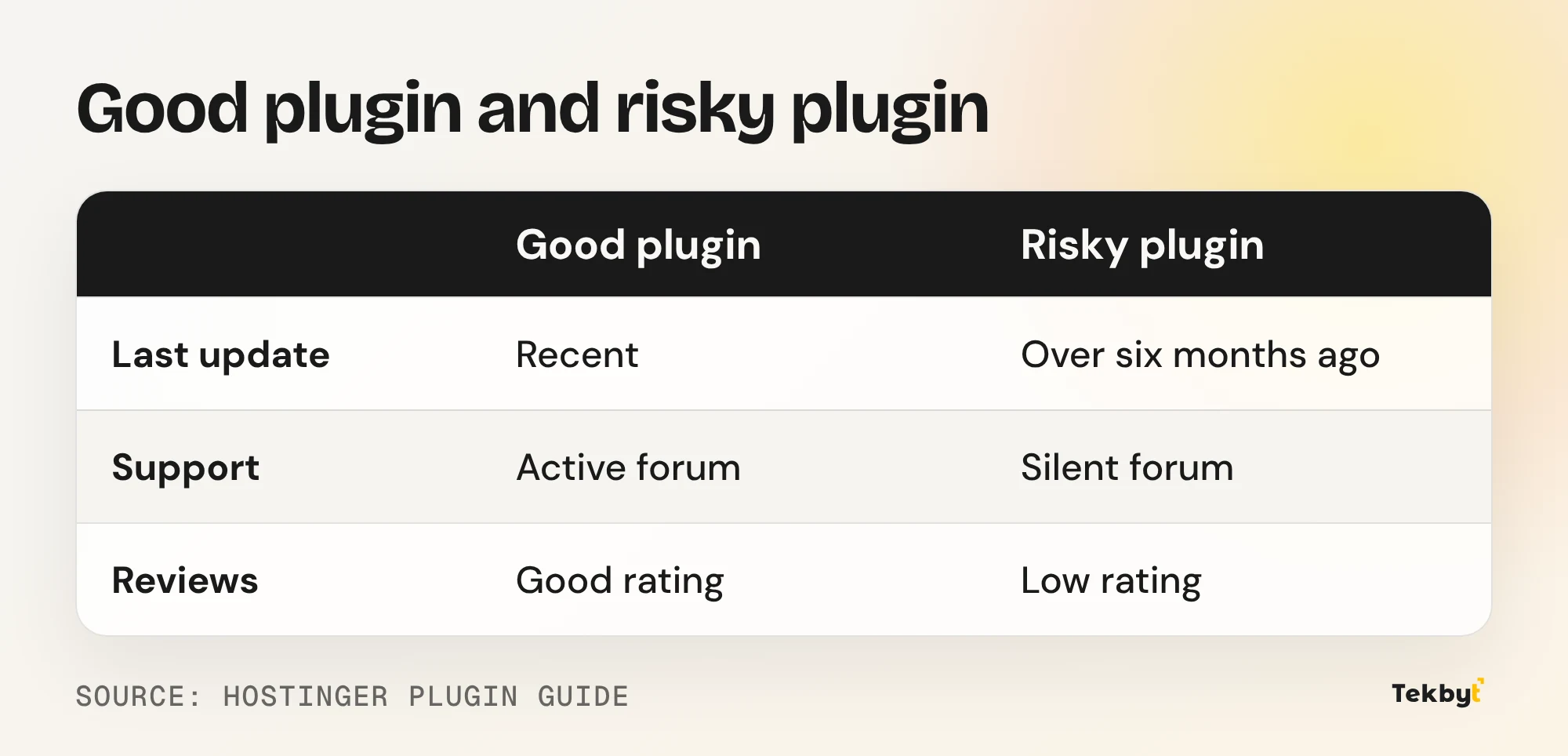
You do not need to read code. Ask your web team to show you these signs, which Hostinger's plugin guide also lists.
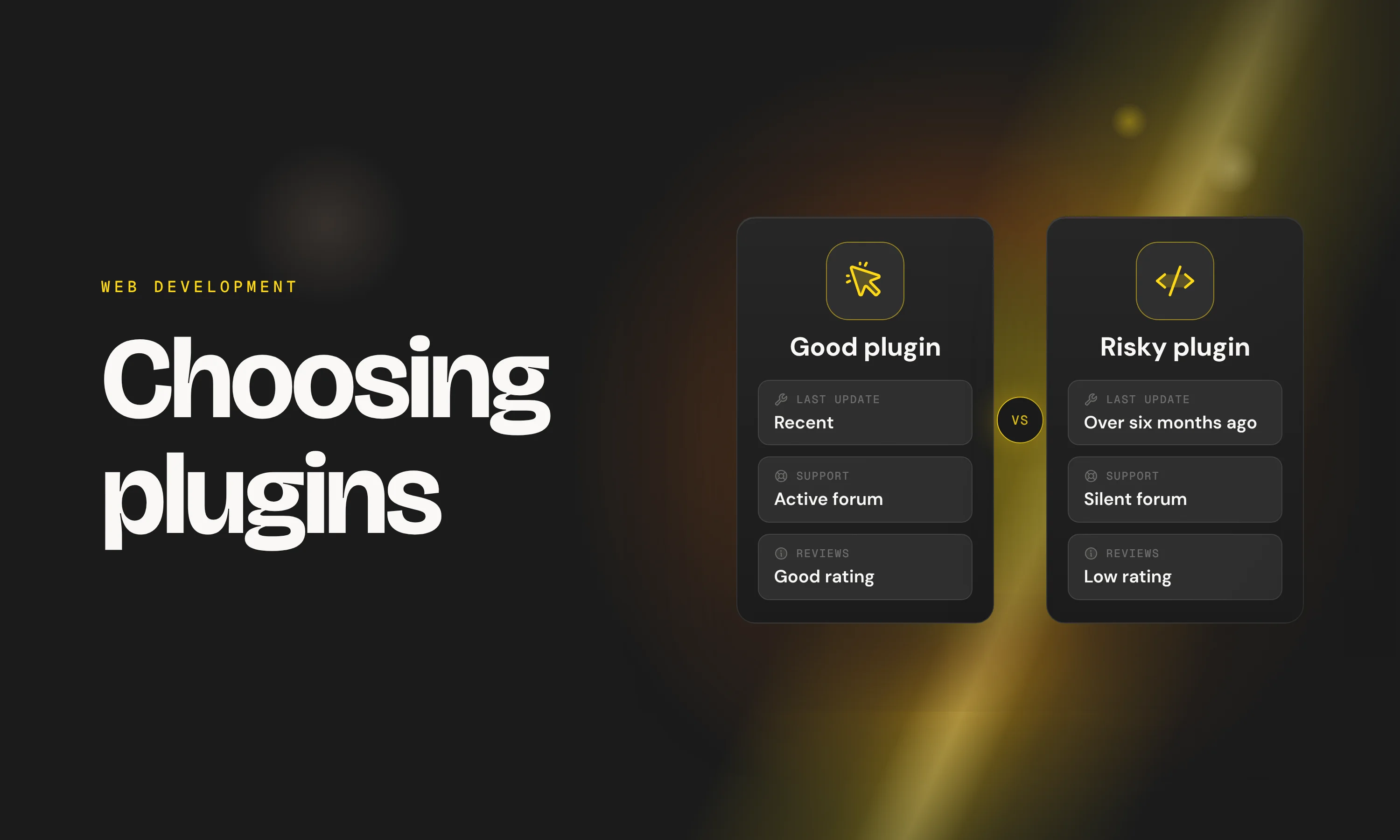
- Last update. Be careful with anything not updated for more than six months.
- Reviews. A good average rating and an active support forum.
- The maker. A known developer with other trusted plugins.
- A test first. Try new plugins on a private copy of the site, not the live one.
Download counts help a little, but Jetpack notes they are only a rough sign of quality.
Why do plugins create security risk?
Every plugin is extra code on your site. More code means more places for a flaw to hide.
Jetpack's guide warns that attackers often go after old plugins whose fixes were never installed. A plugin that nobody updates is like a door lock the maker stopped repairing.
This is why updates matter. Our guide on who does what in website maintenance shows how to split that work.
How do you remove a plugin safely?
Deleting a plugin is easy. Doing it without breaking your site takes a little care.
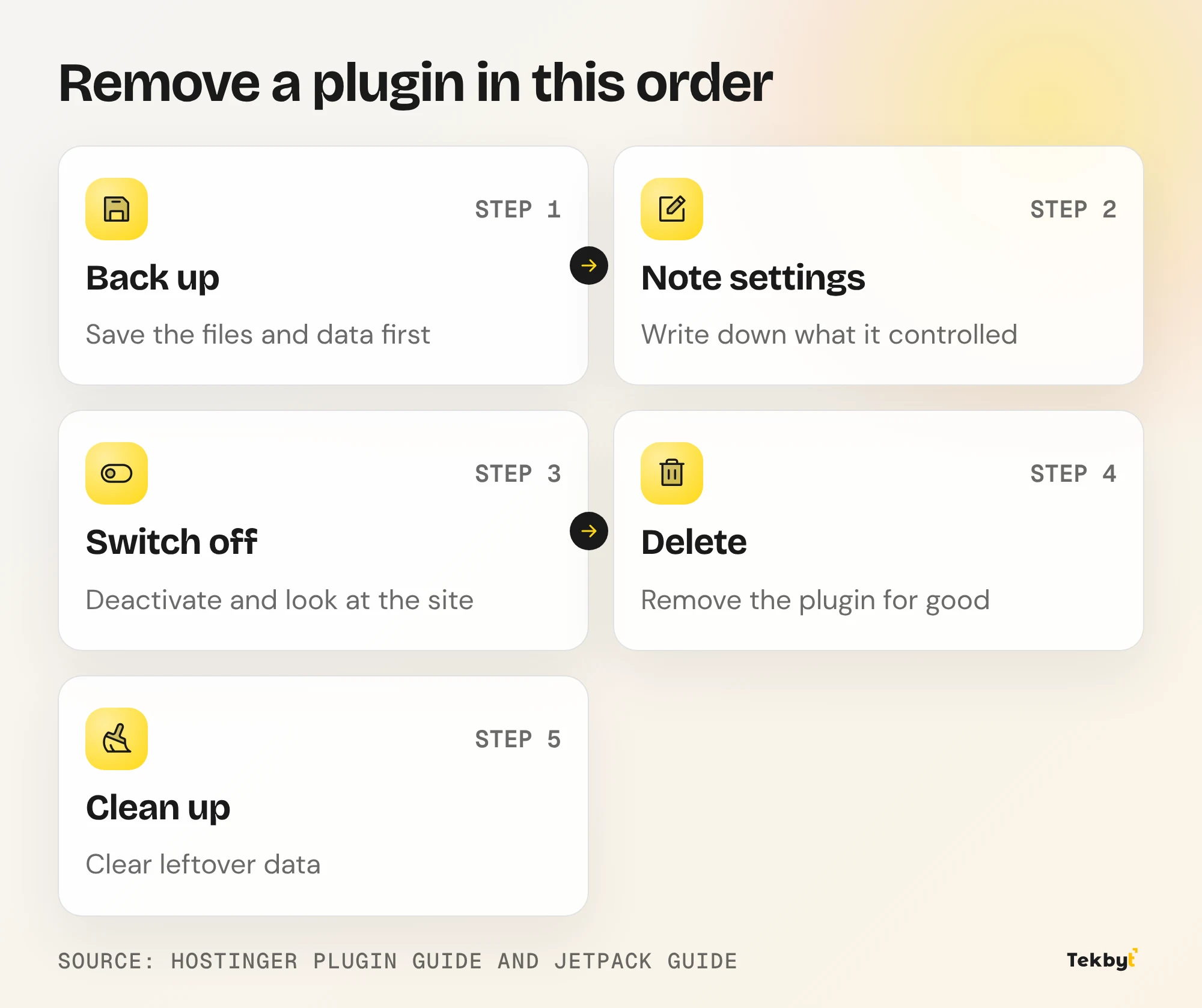
Hostinger's guide says to take a backup first and to clear the leftover data a deleted plugin leaves behind. If the site looks wrong after the change, the backup is your way back.
Who looks after your plugins?
This is the question most guides skip. Someone must update plugins, test them and remove old ones.
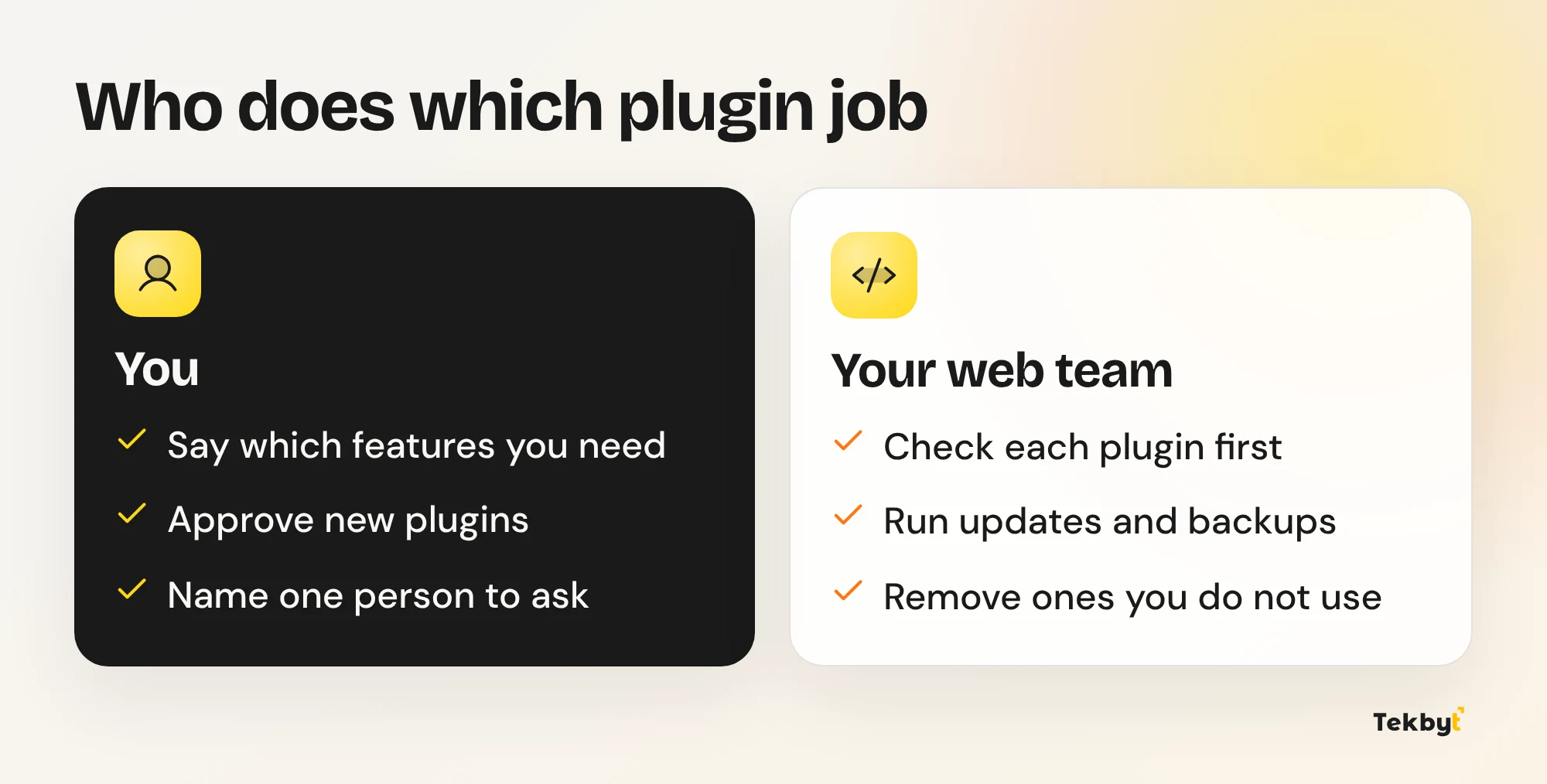
If nobody is named, nobody does it. Plugins that pile up and slow your pages are a common cause of a sluggish site, and our guide on website speed for business owners covers the other causes.
Is WordPress still the right choice for you?
It can be. Plugins are a real strength when you want a feature a builder does not offer. The price is steady upkeep.
If you would rather not manage add ons, a builder may suit you better. Our guide on a website builder versus a custom website explains the trade offs. Neither choice is best for everyone.
The honest takeaway
Plugins are not the enemy. Unwatched plugins are. Keep the ones you use, remove the ones you do not, and put one name next to the job of looking after them.
Are you unsure which plugins your site really needs, or who updates them? Tekbyt designs and builds business websites, including WordPress, Webflow, Framer, Shopify and custom code. Book a 30 minute call.