The Decision Every SaaS Founder Faces
Website Speed for Business Owners and What Slows a Site Down

Zubair Ali Akbar
Why is your website slow, and who should fix it? Plain causes, a short checklist you can do this week and what to ask a web team, by platform.

You click your own website and wait. Website speed decides how many customers stay until the page appears.
A slow site costs you visitors quietly. Nobody emails to say "your page was slow". They just leave and call someone else.
Quick answer. Most slow websites are slow for the same few reasons: heavy images, too many add-ons, weak hosting and extra scripts. You can fix some of these yourself. Who fixes the rest depends on what your site is built with.

Why does website speed matter for your business?
Think of a shop with a stuck door. Some people push harder. Most walk to the next shop.
Google also watches speed.
It measures how fast the biggest thing on your page shows up, and calls it Largest Contentful Paint. A good time is 2.5 seconds or less. Between 2.5 and 4 seconds needs work, and above 4 seconds is poor.
That is a guide, not a promise of rankings. Speed is one signal among many. But it is one you control.
What usually makes a website slow?
Reviews of slow business sites keep finding the same culprits. Here they are in everyday words:
- Heavy images. A photo straight off a phone can be many times larger than the page needs.
- Too many add-ons. Chat boxes, pop-ups, review widgets and tracking tools each load extra code.
- Weak hosting. Hosting is the computer where your site lives. If it answers slowly, everything waits.
- Big fonts and video. Many font styles or an autoplay video load before your visitor sees anything useful.
- A heavy template. Some themes carry code for features you never use.
Guides from Naturaily and B Squared Solutions list the same things. Neither says much about who on your side should do each job.
Who fixes speed on each kind of site?
This is the part most guides skip.
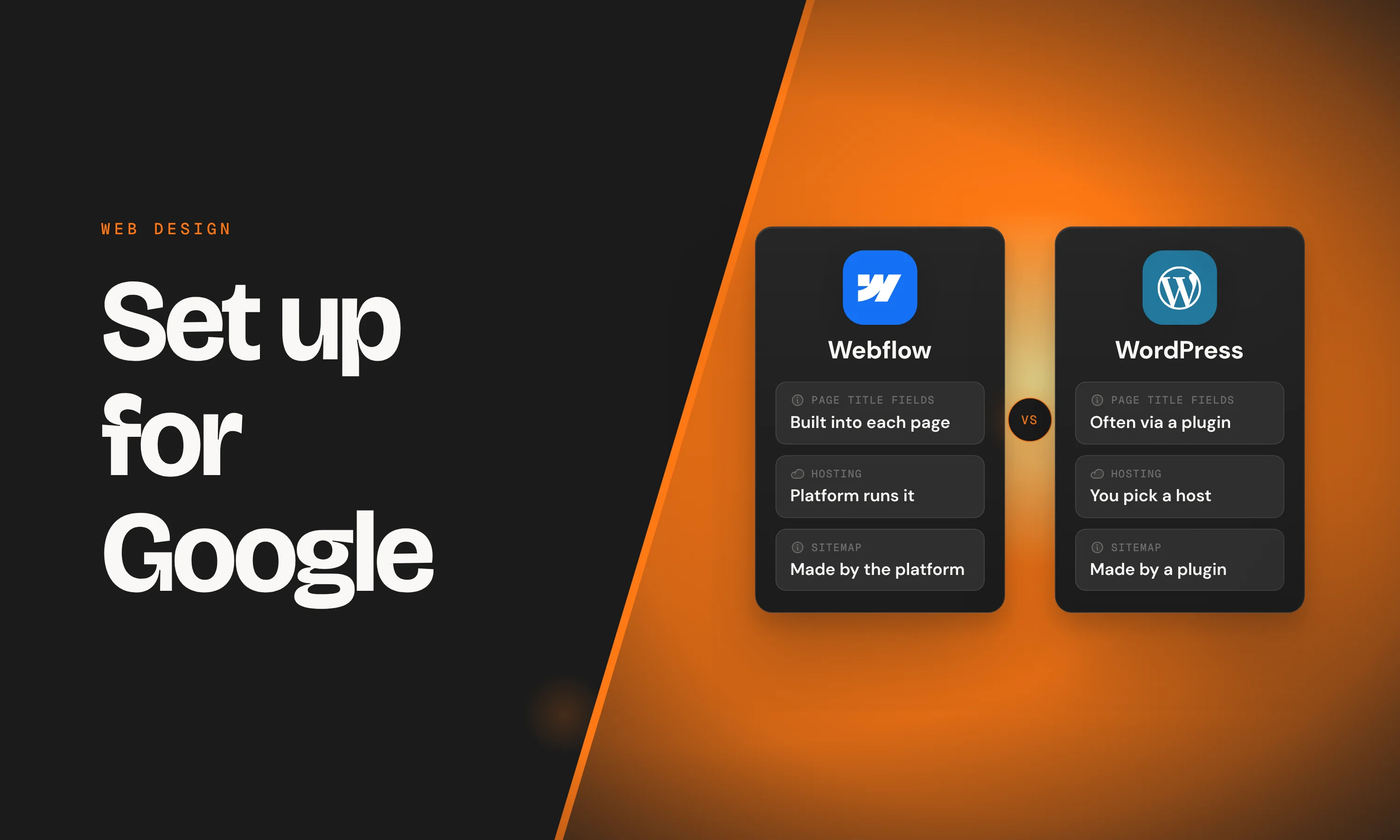
A hosted platform such as Webflow, Framer or Shopify runs the servers for you. So hosting is not your problem. Our guide to website hosting explains why.
On WordPress, you choose the host and install plugins (add-on tools). Speed is more in your hands, and more on your plate. A site in custom code is tuned by the developer who built it.

None of this makes one option best for everyone. It only shows where the speed work lands. Our posts on Webflow vs WordPress and on a builder vs a custom website cover the wider trade-offs.
What can you check yourself this week?
Start with the cheap wins. You do not need a developer for most of this list.

Run your home page through Google's free PageSpeed Insights, and look at the phone result first. Then change one thing at a time, so you know what helped.
Is your website slow because of the platform?
Sometimes, but less often than people think. A bakery with a huge hero photo and four chat tools will be slow on any platform.
Fix the content first.
If the site is still slow after that, the build may be the problem. Then ask a web team to look. A rebuild is a bigger step, and our guide on when to redesign shows what to fix first.
What should you ask a web team about speed?
Keep the questions plain:
- Which part of my site is slowest, and why?
- Who owns speed after launch, you or me?
- What will you remove, and how will we test that nothing breaks?
- How will we measure the result?
A good answer names real pages and real fixes. A vague answer is a warning sign. Speed also belongs in your regular website upkeep.
The honest takeaway
Speed is rarely one big mistake. It is a pile of small extras that nobody removed. Clear them out, test on a phone, and give the job an owner.
Is your site slower than it should be, and you are not sure who should fix it? Tekbyt builds and tunes business websites on Webflow, Framer, WordPress, Shopify and custom code. Book a 30 minute call.