The Decision Every SaaS Founder Faces
Website Redesign Signs and What to Fix First

Zubair Ali Akbar
Is it time for a website redesign? Plain signs that your site needs more than a refresh, what you can fix first, and what to keep so you do not lose visitors.
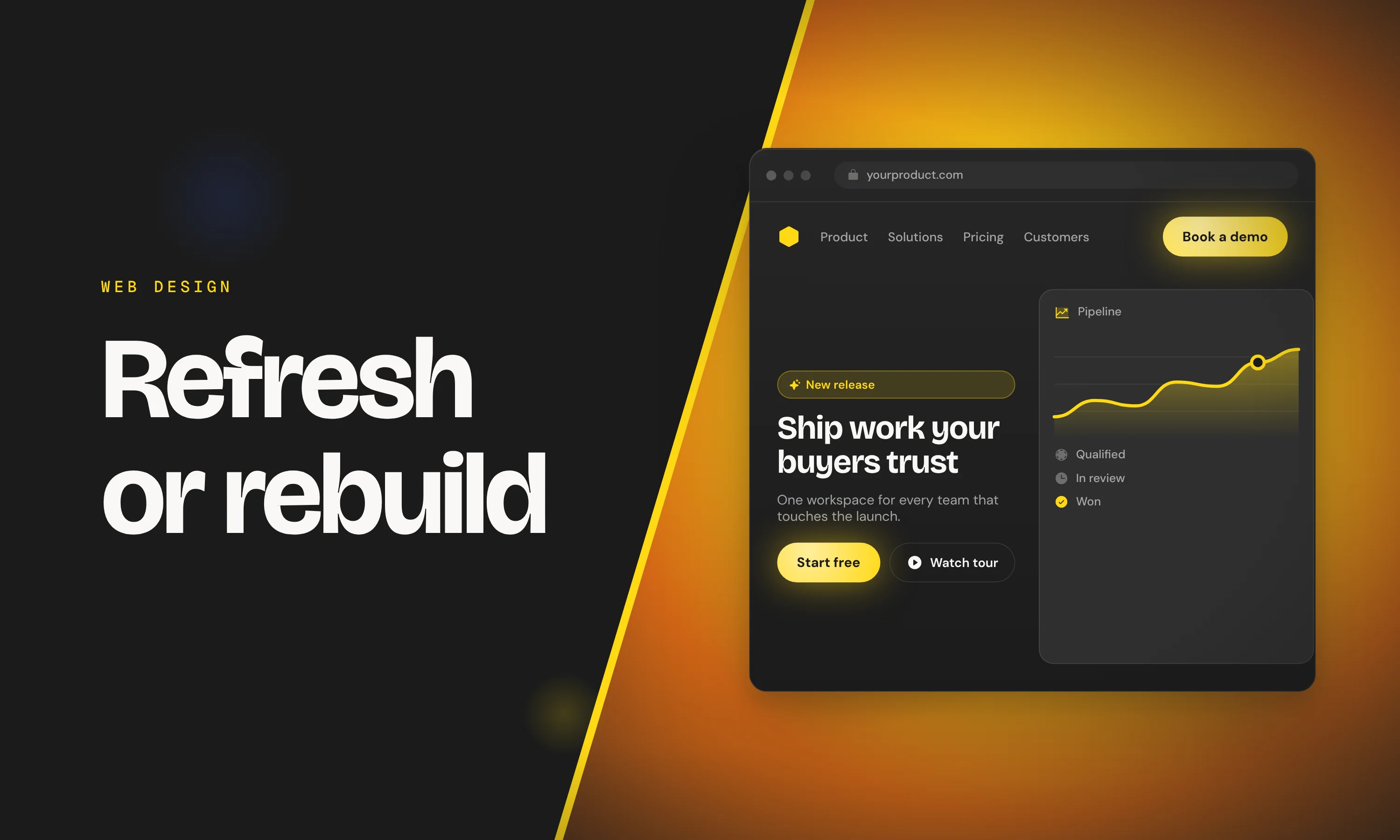
Your website still works, more or less. But a website redesign has started to cross your mind. Customers ask questions the site should answer, or you wince when you send someone the link.
Before you spend money, find out whether you need a small fix or a full rebuild. They cost very different amounts.
Quick answer. Redesign when the structure holds you back: the site breaks on phones, you cannot edit it, or it no longer matches what you sell. Refresh when the structure is fine and only the look, words or speed are tired. Either way, keep the pages that bring visitors and redirect every old page address.

Do you need a refresh or a full redesign?
A refresh is like repainting a shop and changing the sign. The rooms stay where they are. A redesign is like moving the walls.
Vistaprint says a refresh typically needs 30 to 50 percent less investment than a full redesign. It also says most business websites stay useful for about three to five years. Treat that as a rough guide, not a rule.
Which signs say it is time?
Look for problems that a new coat of paint cannot fix:
- It breaks on a phone. Text is tiny, buttons are hard to tap, or pages jump around.
- You cannot edit it. Changing a price or a phone number means calling a developer. IMPACT lists this, along with a slow, broken or insecure site, as a main redesign signal.
- Your business changed. You added a service, a new town or a new name, and the site does not show it.
- Visitors leave without acting. They read the first page and never call, book or buy.

One sign alone is not a verdict. Two or three together usually are.
What can you fix before a website redesign?
Many sites need less than their owners fear. Take a bakery that takes orders online. If orders drop on phones, the owner should fix the phone view before paying for a new brand.
Work in this order. Stop when the problem is gone.

If you reach the last step, the structure is the problem. That is when a redesign pays for itself.
What should you keep when you redesign?
A new look does not need a new everything. Some parts of your old site earn their place.
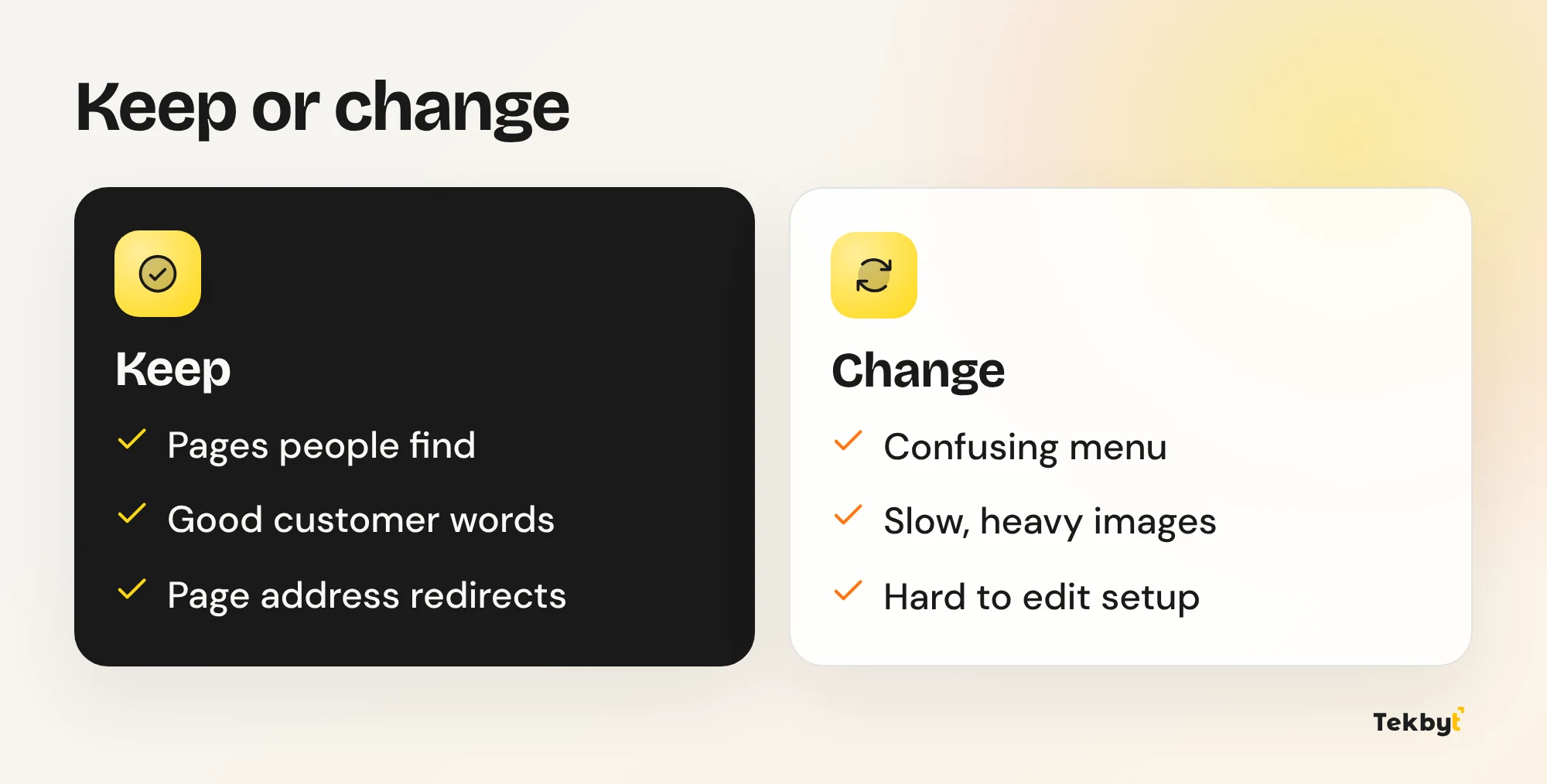
Open Google Search Console, a free tool from Google, and see which pages people actually find. Those pages are your keepers. Move their words across, even if the layout changes.
How do you avoid losing visitors?
Every page has an address, such as yoursite.com/services. If the new site uses different addresses, old links and search results lead nowhere.
Google recommends permanent redirects from each old address to its new equivalent. It also says not to send many old pages to one unrelated page, such as the homepage, and to keep the redirects for at least about a year.
Ask whoever builds your site to do three things:
- List every old page address before work starts.
- Match each one to the closest new page.
- Test them after launch and watch Search Console for pages that no longer load.
What should you ask a team before you hire?
Write down what the site must do first. Our guide to writing a design brief shows how. Then ask each team what they will keep, how they will handle redirects, and who edits the site afterwards.
The platform matters too. Our guides on website builder vs custom website and what drives the price of a website explain the trade-offs. See our web design work for how we approach it.
The honest answer
Do not redesign because the site feels old. Redesign because it stops you doing business, and fix the cheap things first.
When you do rebuild, protect what already works. A site that looks new but loses its visitors is a step backwards.
Not sure if your site needs a refresh or a rebuild? We are a 20-person design and engineering studio in Seattle, Washington, and we will tell you straight. Book a 30 minute call.